Design once. Render everywhere.
Every page deserves a great OG image.
Design OG images in a visual editor, then render unlimited variants from one URL.Craft polished 1200×630 previews with a visual editor, then feed them live titles, authors, images, and themes through a render URL.
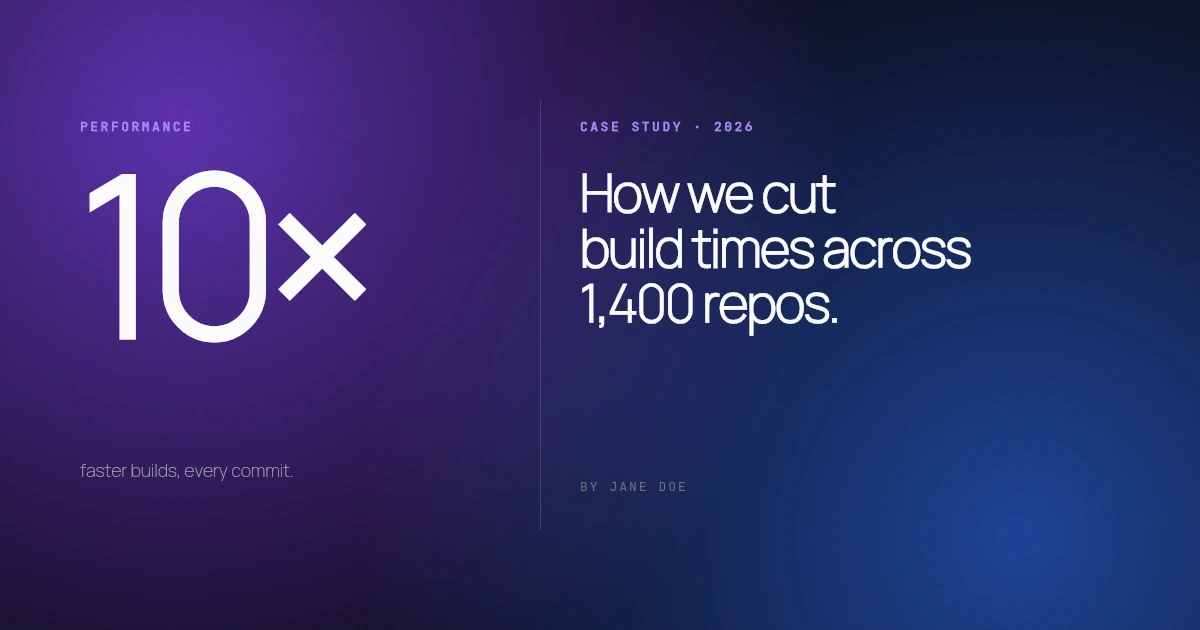
Design the preview once. Ship it everywhere a link travels.
- x / twitter
- bluesky
- slack
- imessage
- discord
- github
- notion
- telegram
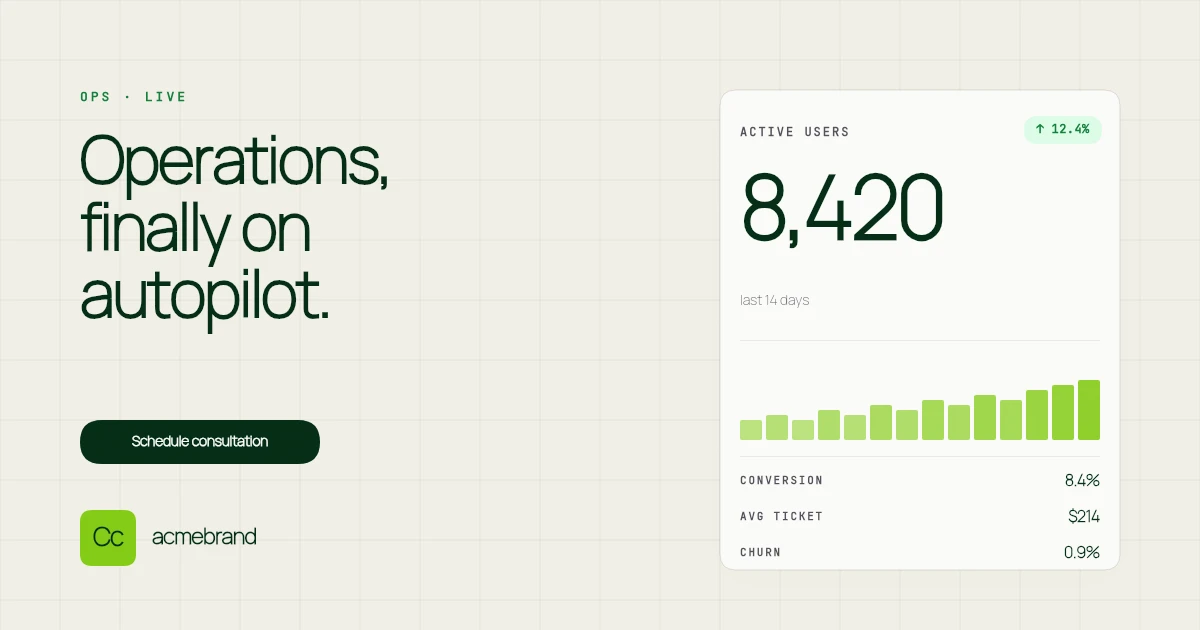
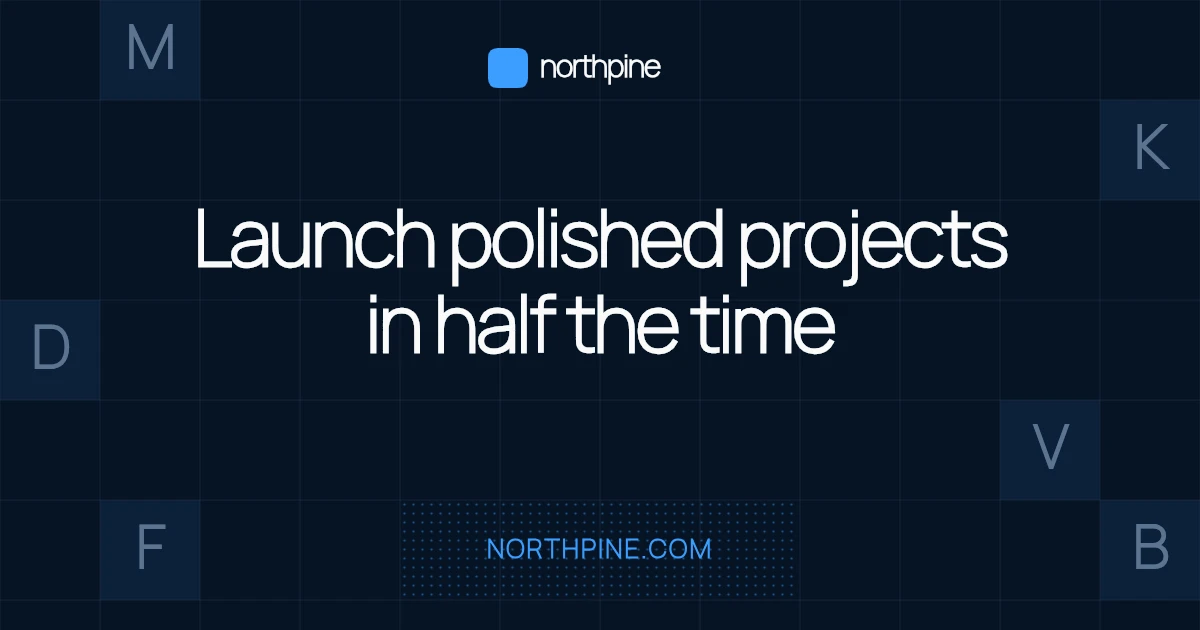
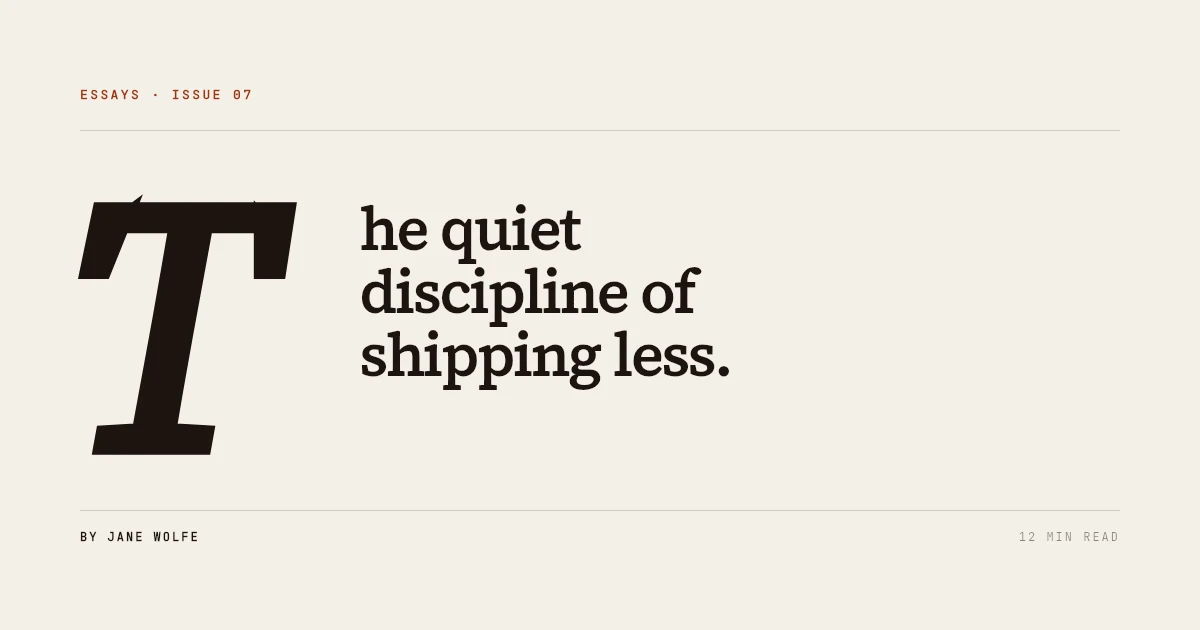
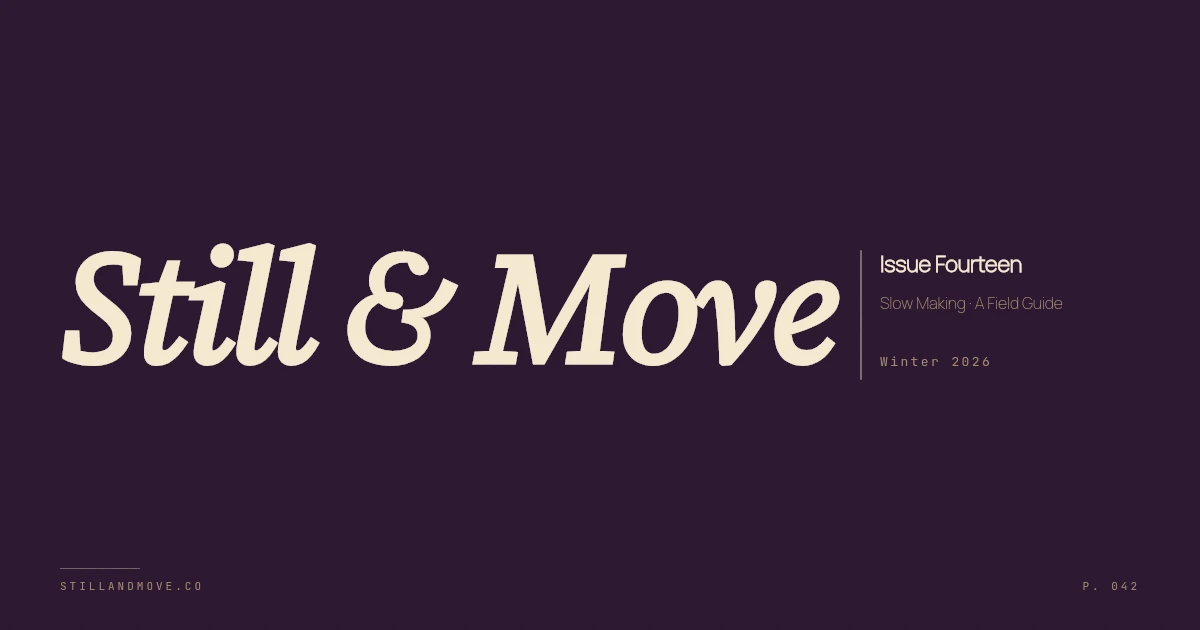
Six picks from a library that already looks shipped.
- Eclipse01 / 06
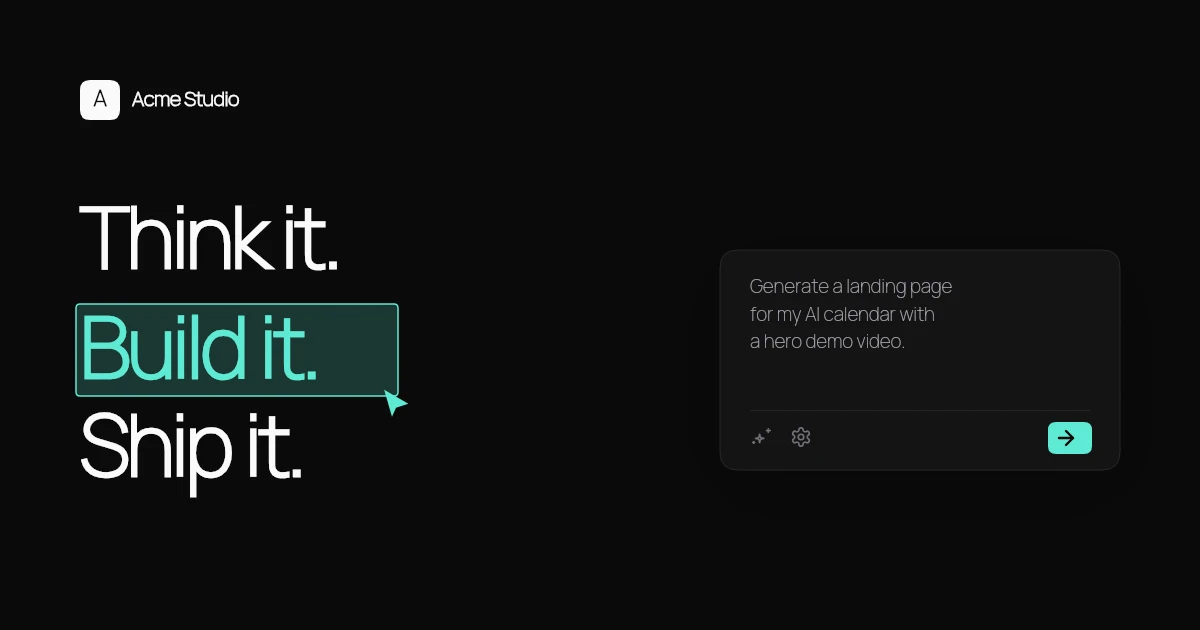
Dark mesh, big headline, mono byline
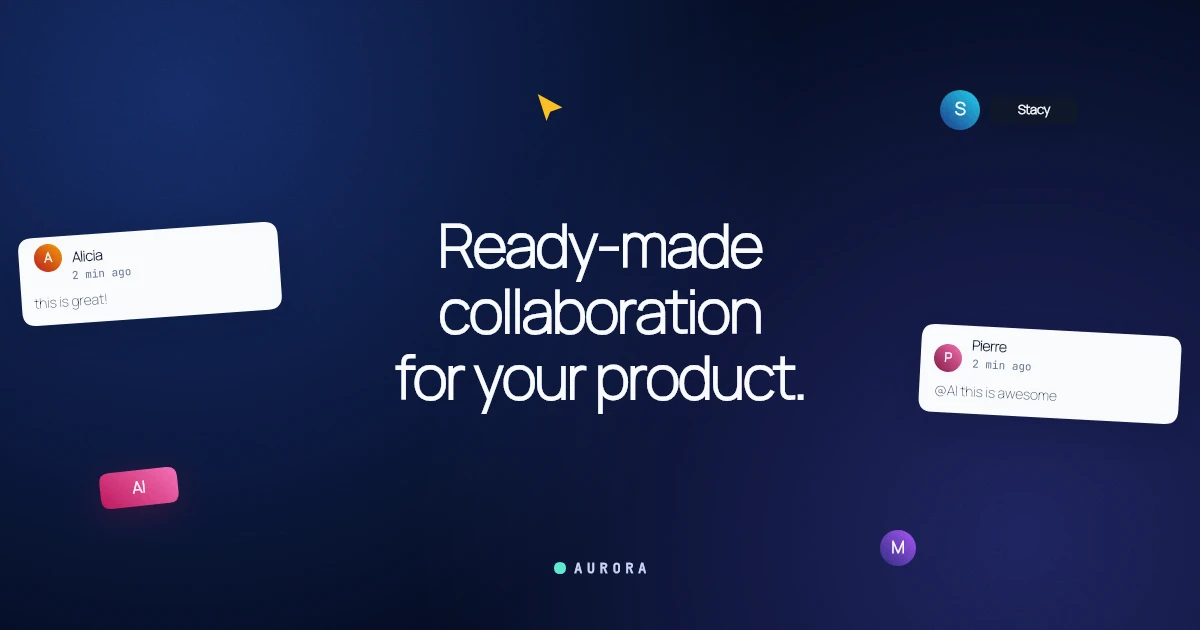 Aurora02 / 06
Vibrant mesh + glassmorphic accent
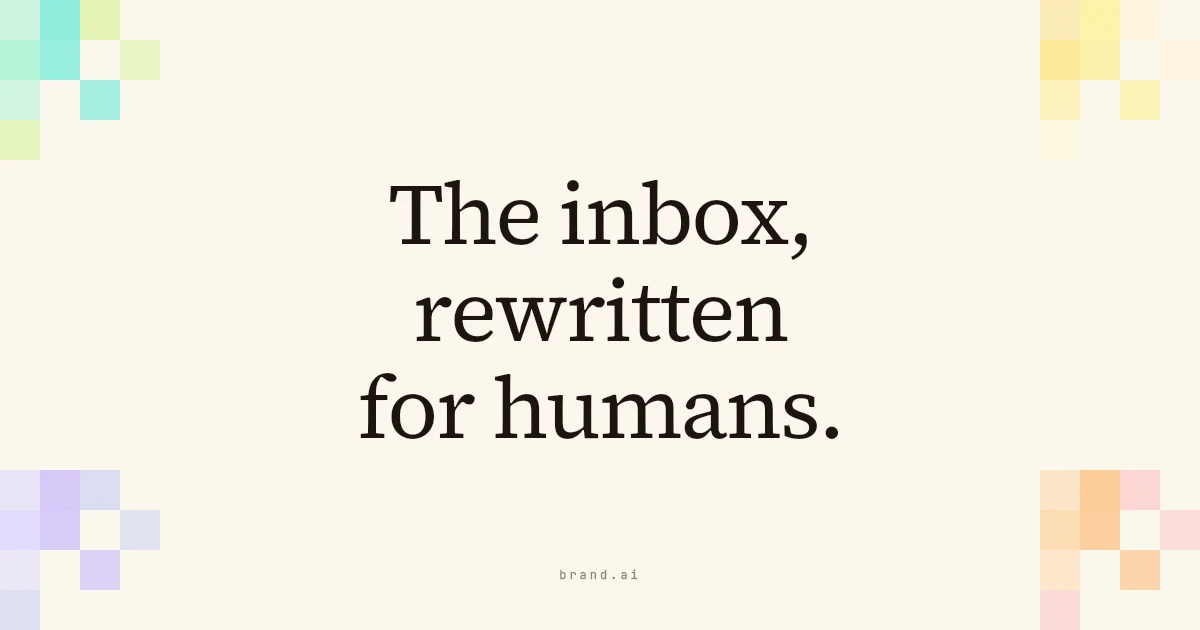 Press03 / 06
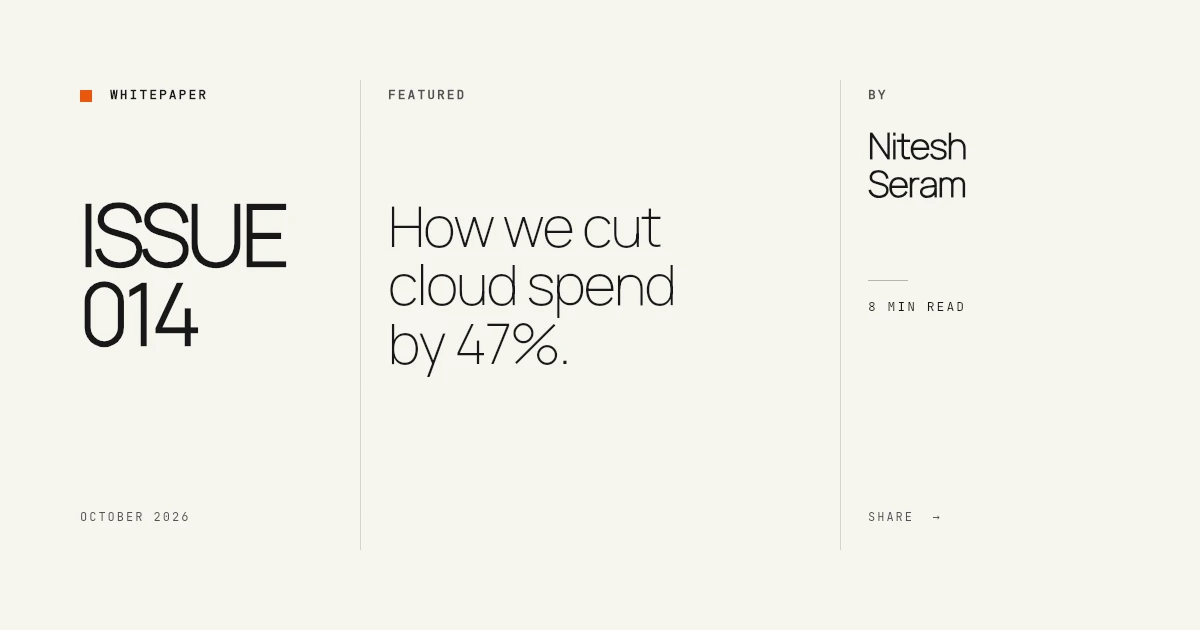
Italic serif headline, editorial cream
 Chrome04 / 06
Near-black mesh + bold headline + brand mark
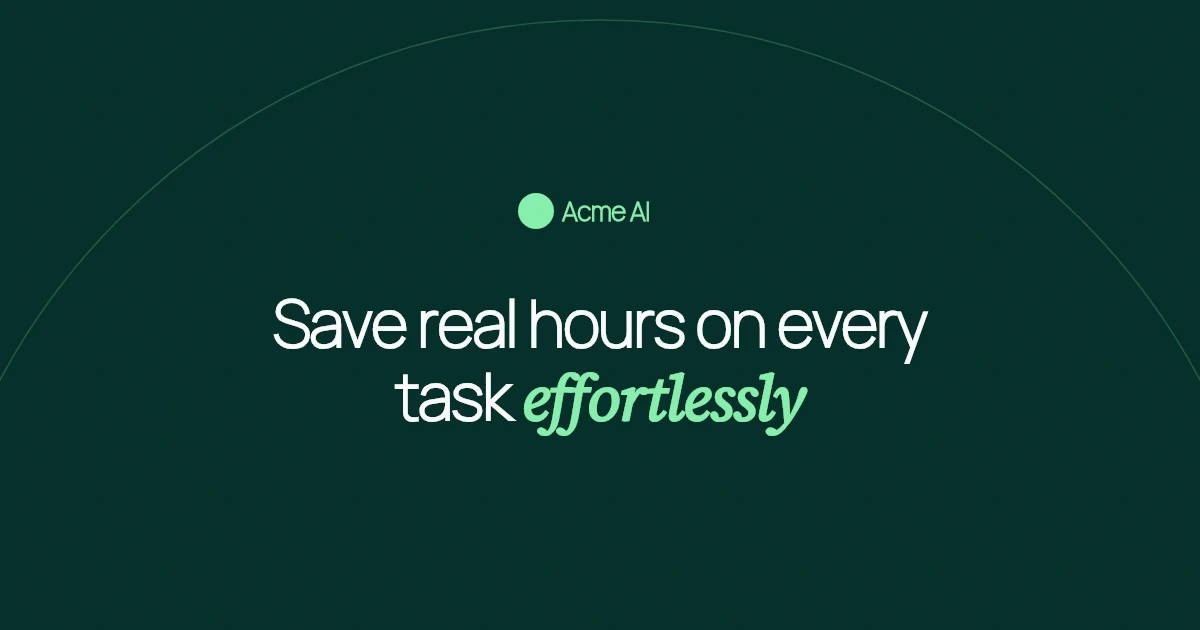 Forest05 / 06
Forest green + serif italic accent
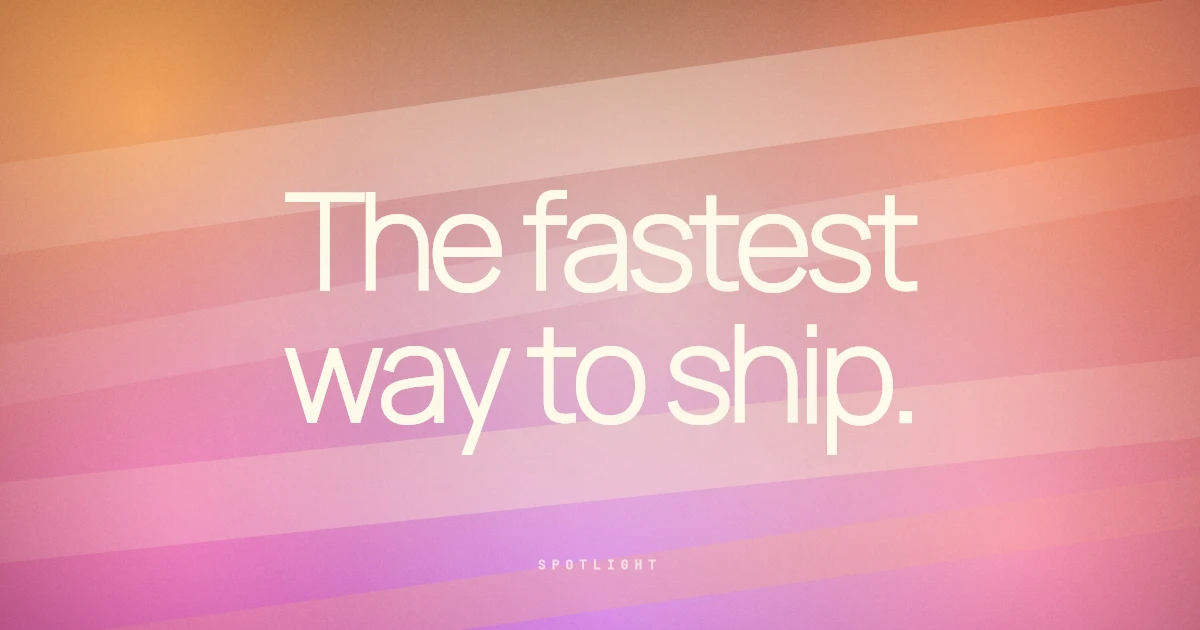 Spotlight06 / 06
Massive radial glow, launch headline

Three steps.
About three minutes.
no copy / paste from figma- 01~60s
Pick a template.
Open the gallery, pick one of 30 premium-quality starters, swap colors and copy until it reads like yours. Or open a blank canvas.
- 02~90s
Wire text layers to URL parameters.
Mark any text layer as a {variable} and set a fallback. The editor handles encoding, fonts, and caching for you.
{title}text{byline}text{tag}text - 03~30s
Paste the render URL into your meta tags.
Drop the URL into og:image (or your Next.js generateMetadata). Every page now has its own image, rendered on demand, cached forever.
<meta property="og:image" content="…/eclipse?title=…" />
Drop in.
Every framework knows what a URL is.
next · remix · astro · sveltekit- Next.js metadata, Remix loaders, Astro frontmatter. Anywhere you write a meta tag, you can paste a URL.
- Edge-cached PNGs. First render hits the origin. Every render after that is a CDN hit, under 100ms.
- Declared variables with fallbacks. Missing values fall back, unknown params are ignored.
export async function generateMetadata({ params }) {
  const { title, author } = await getPost(params.slug);

  return {
    openGraph: {
      images: [
        `https://render.theogcanvas.com/api/og/4kp9m2x8` +
        `?title=${title}&byline=${author}`,
      ],
    },
  };
}Two plans. Free for design. Premium for the URL.
See the full comparisonFree
Design and download. No card required.
- 5 saved designs
- 10 free templates
- PNG, JPEG, WebP export
- No watermark, ever
- Brand colors at export time
Premium
Everything in Free, plus the hosted render API.
- Unlimited designs
- All 30 templates
- Hosted render URL
- URL variables for dynamic fields
- 1 brand kit
- Email support
The questions that come up first.
A short list of what people ask before signing up.
Does it work with my framework?
Yes. Any framework that supports meta tags supports a URL, Next.js generateMetadata, Remix loaders, Astro frontmatter, SvelteKit, Nuxt, Hugo, Jekyll, plain HTML, anything. There's no SDK to install.
How fast are the renders?
Cold render at the origin is typically 300 to 800ms. Every render after that hits the CDN, around 40 to 90ms with immutable caching. Hashed URLs let the CDN cache forever and only revalidate when you change the template.
What's the difference between Free and Premium?
Free has the full editor, 10 starter templates, and PNG/JPEG/WebP export. Premium adds the hosted render URL, all 30 templates, unlimited designs, URL variables, and a brand kit.
What does "unlimited" mean for renders?
No metered cap and no overage billing on Premium. Normal use is unlimited; a soft internal threshold only triggers a review if the render API is clearly being used as a free image-gen backend for unrelated workloads.
Is there a free trial of Premium?
No trial. Free is the trial, it has every export feature, just not the hosted render URL. If you don't need a URL, you can stay on Free forever.
Can I cancel any time?
Yes. Cancel from the billing page and you keep Premium access until the end of the current period, then drop to Free. No prorated refunds, no exit interview.
What happens to my designs if I downgrade?
Designs over the Free cap stay safe and read-only. You can still view and download them, you just can't edit until you delete down to the 5-design limit or resubscribe.
Make every shared link look like you meant it.
Pick a template, connect your fields, and paste the render URL into your meta tags.